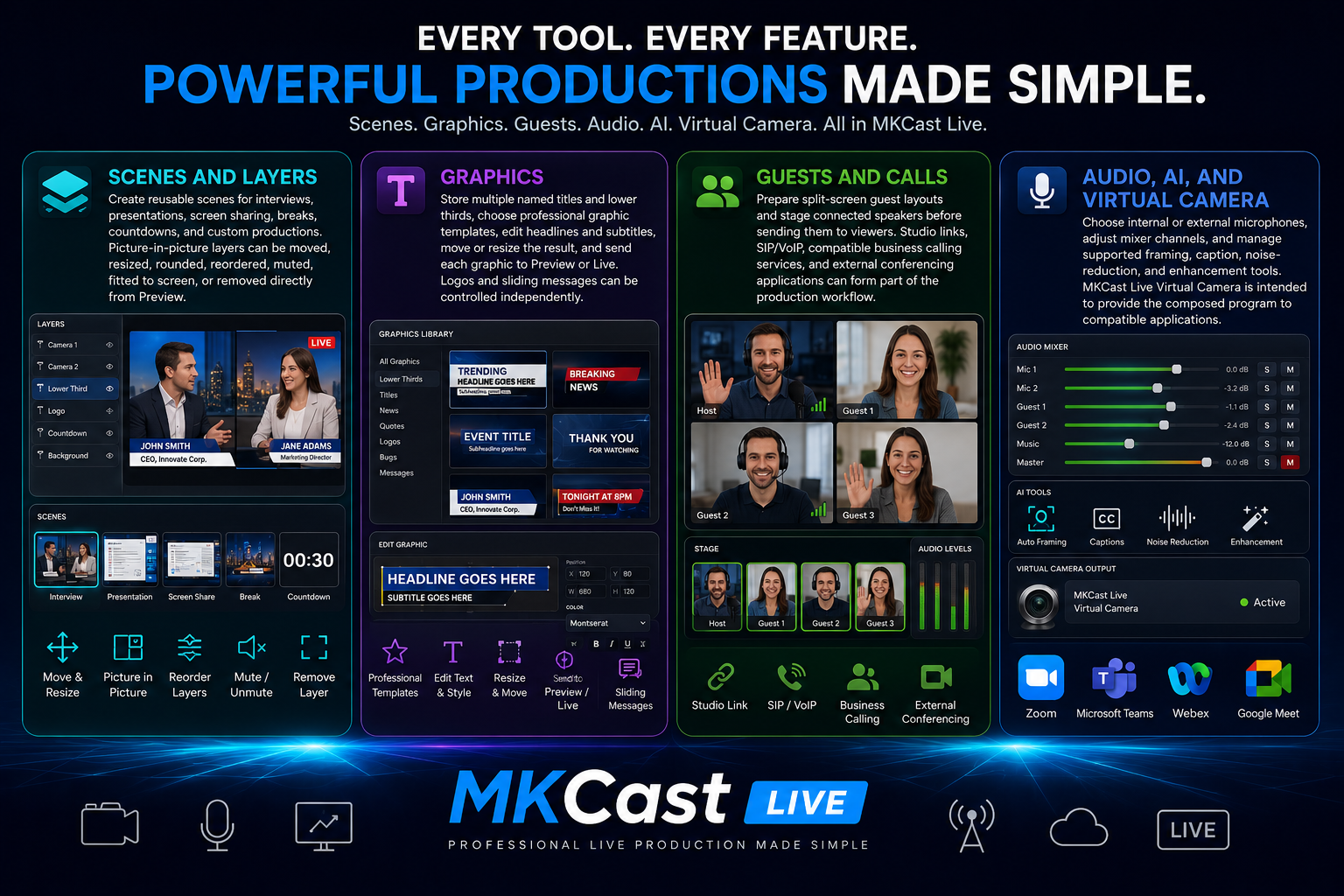
Powerful productions made simple.
Scenes, graphics, guests, audio, AI assistance and virtual-camera output in one professional production environment.
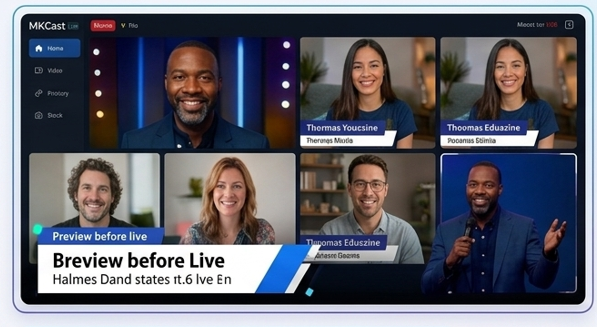
Preview before Live
Edit titles, position layers, verify media, and send only the finished scene when it is ready.
View full feature →
Picture-in-Picture
Resize, move, round, reorder and fit camera, video, image, document and web layers exactly where you want them.
View full feature →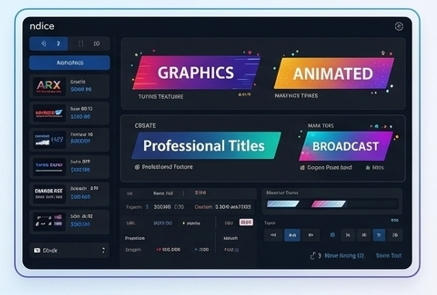
Professional titles
Save named lower thirds, choose professional broadcast graphics, and route each title to Preview or Live.
View full feature →
Remote guests
Stage interview layouts and send connected speakers into a clean split-screen production.
View full feature →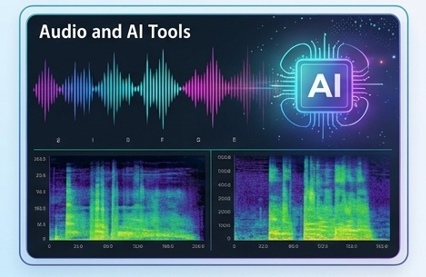
Audio and AI tools
Choose microphones, balance sources, reduce noise, enhance speech and use production assistance to prepare your broadcast.
View full feature →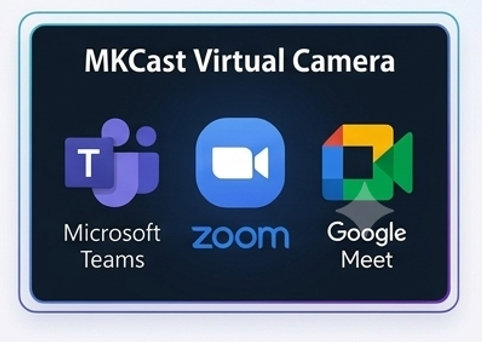
MKCast Virtual Camera
Use the MKCast Live program output in Zoom, Microsoft Teams, Webex, Google Meet and supported video applications.
View full feature →